Notepad++ Supply Chain Attack: Malware Delivered via Official Updates
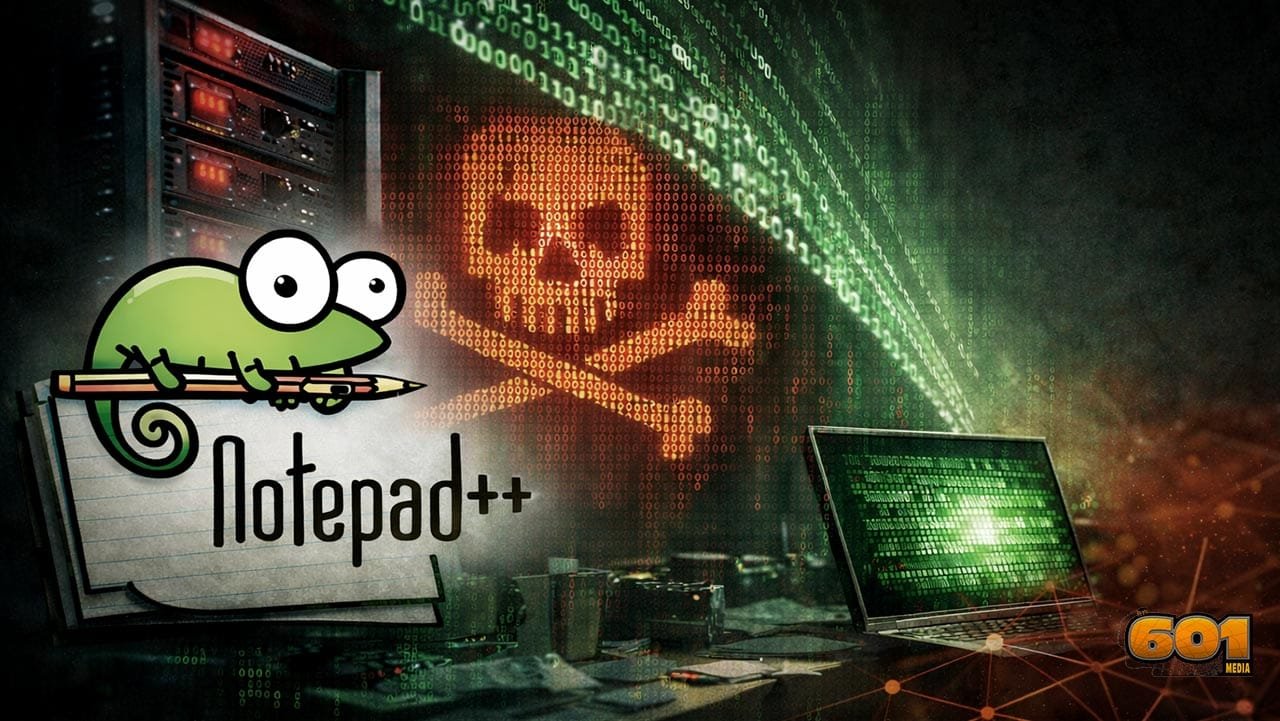
Notepad++ disclosed that its official update mechanism was compromised in a targeted supply chain attack, allowing malicious updates to be delivered to a small group of users rather than the wider user base. The incident did not stem from a flaw in the text editor’s source code, but from weaknesses in the update delivery and hosting infrastructure, which attackers exploited to redirect update traffic. The issue has since been contained, with the Notepad++ team strengthening update verification and urging users to manually update to the latest secure version and verify digital signatures as a precaution.
What Happened
- The official update mechanism for Notepad++ Official Update Mechanism Hijacked to Deliver Malware to Select Users — a widely used open source text editor — was compromised by state sponsored attackers.
- Instead of vulnerabilities in Notepad++ itself being exploited, the compromise occurred at the hosting provider level. Attackers were able to intercept and redirect update traffic to malicious servers.
Who Was Responsible
- Security researchers and multiple reports link the campaign to a suspected Chinese state sponsored threat actor based on targeting patterns and technical sophistication.
- Independent analysts mentioned groups like Violet Typhoon (aka APT31) as likely behind the effort.
How Long It Lasted
- The attack appears to have started in June 2025 and continued in various forms through December 2,2025.
- During this period, attackers maintained access via stolen internal credentials even after losing direct server control.
Who Was Targeted
- Rather than a broad, indiscriminate attack, the malicious updates were highly targeted at selected users — including organizations in East Asia in telecom and financial sectors.
- Not all users were affected, but those whose update traffic was intercepted may have received malicious software.
What’s Been Done
- The Notepad++ team has moved hosting providers and strengthened the update and verification process — including better signature checks to ensure update authenticity.
- Users are advised to manually download the latest clean version (e.g., 8.9.1 or newer) directly from the official site to ensure they are not running a compromised build.
Check Your Notepad++ Version and Install Date
- Open Notepad++
- Go to Help About Notepad++
- Note:
- Version number
- Build date
Why this matters:
The malicious updates were only delivered during a specific window and only to selected users. If your version was installed or updated between mid-2025 and late-2025, extra caution is warranted.
Verify the Digital Signature (Critical Step)
Malicious builds often fail proper code-signing checks.
On Windows:
- Locate
notepad++.exe- Usually:
C:\Program Files\Notepad++\
- Usually:
- Right-click Properties
- Open the Digital Signatures tab
- Confirm:
- Signer is Notepad++ / Don Ho
- Signature status is Valid
Red flags:
- No Digital Signatures tab
- Invalid signature
- Unknown publisher
If any of these appear assume compromise and reinstall immediately.
Check for Suspicious Behavior
Even if Notepad++ appears normal, look for signs of tampering:
- Unexpected outbound network connections
- Antivirus or EDR alerts tied to Notepad++
- New scheduled tasks or startup entries you didn’t create
- DLLs or EXE files in the Notepad++ folder that don’t belong
If you have endpoint protection, run a full system scan, not just a quick scan.
Compare File Hashes (Advanced but Reliable)
If you want high confidence:
- Download the latest clean installer from the official Notepad++ website
- Generate a hash for:
- Your installed
notepad++.exe - The freshly downloaded installer
- Your installed
- Compare against official checksums published by Notepad++
Mismatch = do not trust the installation.
Secure Your System (Recommended Actions)
Even if no compromise is confirmed, these steps reduce risk:
Reinstall Safely
- Uninstall Notepad++
- Reboot
- Install the latest version manually (do not use the in-app updater for now)
Lock Down Updates
- Disable automatic updates temporarily
- Only update manually from the official site
Rotate Credentials (If Used for Dev Work)
If you used Notepad++ to edit:
- SSH keys
- API tokens
- Credentials or config files
Rotate them as a precaution.
Ongoing Best Practices
- Keep Windows fully patched
- Use application allow-listing where possible
- Monitor software supply-chain advisories
- Treat unexpected software updates as potential security events
Bottom Line
This was a targeted supply-chain attack, not a mass infection. Most users were likely unaffected — but verifying signatures and reinstalling cleanly is the safest path if your system falls within the impacted timeframe.
Top 5 Frequently Asked Questions
Key Takeaway
This was a sophisticated supply chain style attack on the update infrastructure — not on the Notepad++ codebase — demonstrating how attackers can exploit hosting and delivery systems to spread malware even when the software itself remains secure.
Resources