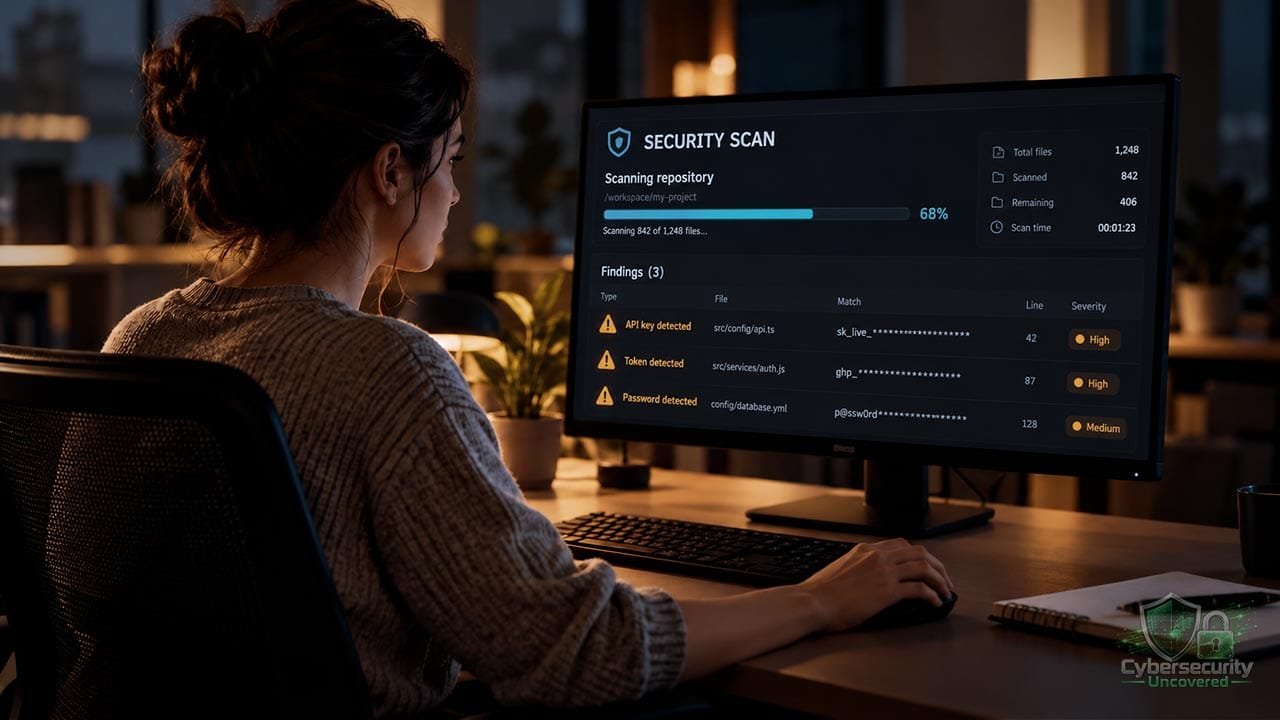
Gitleaks: Finding Exposed Credentials Before They Become a Bigger Problem
A website project can contain more than code. It may also contain the credentials that let that code send email, connect to a database, or access a paid service. During development, copying a working key into a configuration file can feel convenient. The trouble begins when that file becomes part of a shared project.
Gitleaks helps identify those mistakes. It is an open-source command-line tool that looks for potential secrets, including passwords, application programming interface (API) keys, and tokens, in Git repositories and files. An API key is a credential software uses to access a service. [1]
For developers, website owners, and people learning cybersecurity, the useful question is what happens between discovering a suspicious string and actually resolving the risk.
How Gitleaks Recognizes a Possible Secret
Gitleaks uses detection rules. Its default configuration contains regular expressions—patterns that recognize particular arrangements of characters—alongside keywords and, for some rules, entropy thresholds. Entropy measures character unpredictability; it can help distinguish a credential-like value from ordinary text. [2]
Think of this as looking for recognizable clues. A service might issue tokens with a distinctive prefix and length. Another rule might look for a credential assignment near a relevant keyword.
Those clues need interpretation. A matching string might be a real credential, a deliberately fabricated test value, or an unrelated value with a similar shape. Conversely, a credential that does not match the configured rules can escape detection.
The practical conclusion is that a clean scan is evidence about the material and rules examined. It is not proof that every secret has been found.
Scanning Files and Scanning Git History
Git records changes to a project over time. Gitleaks offers three scanning modes: git examines Git patches, dir examines files or directories, and stdin examines streamed input. [1]
For a project you own or are authorized to assess, these are useful starting commands:
gitleaks dir --redact .
gitleaks git --redact .
Run them from the project directory after installing Gitleaks. The period means the current directory; --redact masks detected secret values in logs and standard output. A Git scan needs Git and a local repository. [1]
These scans answer different questions: what is in the files now, and what appears in the Git history being examined? Record the scope of your assessment so another person can understand what you checked.
A Hypothetical Example: The Key That Was Deleted
Imagine a small web agency preparing to hand a client’s website project to another developer.
During an earlier test, someone committed an email-service API key. Later, they replaced it with a placeholder. The latest configuration looks clean, and a reviewer sees nothing concerning in that file.
A history scan flags the earlier credential assignment. The agency now has several questions to answer: Who owns the key? Is it still active? What permissions did it have? Where was this repository shared?
In this example, the team revokes the old key, securely deploys a replacement, and reviews available service logs. They also assess whether repository cleanup is necessary.
This is an illustrative scenario, not a reported incident. Its lesson is that reviewing today’s files and investigating yesterday’s exposure are separate responsibilities.
What to Do When a Finding Is Real
GitHub’s guidance puts revoking or rotating an exposed secret first. Removing text from a repository does not disable the credential at the service that issued it. [3]
A practical response is to:
- Identify the owner and affected service. Establish what the credential could access.
- Revoke or rotate it. Coordinate the replacement so dependent applications keep working.
- Investigate exposure. Review relevant access records and where copies may exist.
- Plan cleanup. Decide whether history rewriting is warranted and coordinate it with collaborators.
History rewriting has consequences. GitHub documents changed commit identifiers, disruption to pull requests, and the risk that an older clone can reintroduce removed material. Copies in other people’s repositories also require attention. Treat cleanup as a coordinated change. [3]
Keep the response record useful without pasting the actual secret into tickets or chat. OWASP recommends controlling access to secrets, avoiding plaintext logging, and supporting revocation and rotation. [4]
Make Scanning Part of the Workflow
Gitleaks-Action provides integration with GitHub workflows. Its documented example includes scans triggered by pushes, pull requests, manual runs, and a schedule, with a checkout configured to retrieve full history. [5]
A useful operating practice is to assign an owner to each finding and define what blocks a release. Otherwise, alerts can accumulate without anyone deciding what they mean.
For organization-owned repositories, the Action’s documentation currently requires a free license key; personal-account repositories do not require one. Check the Action’s terms separately from the Gitleaks command-line project. [5]
Prevention also requires better credential handling. OWASP recommends least-privilege access, managed secret lifecycles, and auditing. Scanning works best alongside those practices, with credentials available only to the systems and people that need them. [4]
Gitleaks’ Current Development Status
As checked on October 16, 2026, the official repository says Gitleaks is feature complete, that future releases will be security patches only, and that the maintainer is focusing on Betterleaks. [1]
For a new deployment, that makes maintenance plans and future detection needs sensible evaluation questions.
Frequently Asked Questions
Does Gitleaks scan deleted secrets in Git history?
Yes. Gitleaks’ git mode scans Git patches and can detect secrets committed earlier, even if they were later removed from the current files. Detection depends on the history available locally and the scan configuration.
Does a clean Gitleaks scan mean my project contains no secrets?
No. A clean scan means no matching secrets were detected within the material examined using the configured rules. Credentials outside that scope or unrecognized by those rules may still exist.
What should I do if Gitleaks finds an exposed credential?
Identify the affected service and revoke or rotate the credential promptly. Update applications that depend on it, review relevant access logs, and assess whether repository cleanup is necessary. Deleting the credential from a file does not disable it.
Final Thoughts
Gitleaks gives a development team a practical opportunity to notice exposed credentials and act. The important work continues after the alert: understand the finding, disable compromised access, investigate the exposure, and improve how the project handles secrets.
For someone learning cybersecurity, that sequence is also a valuable exercise in judgment. Running a scanner is one task. Explaining what its results mean—and following through—is where the defensive work becomes useful.
Sources
- Gitleaks official repository and documentation
- Gitleaks default detection configuration
- GitHub: Removing sensitive data from a repository
- OWASP: Secrets Management Cheat Sheet
- Gitleaks-Action official documentation