What Are CompTIA A+ Core Certifications?
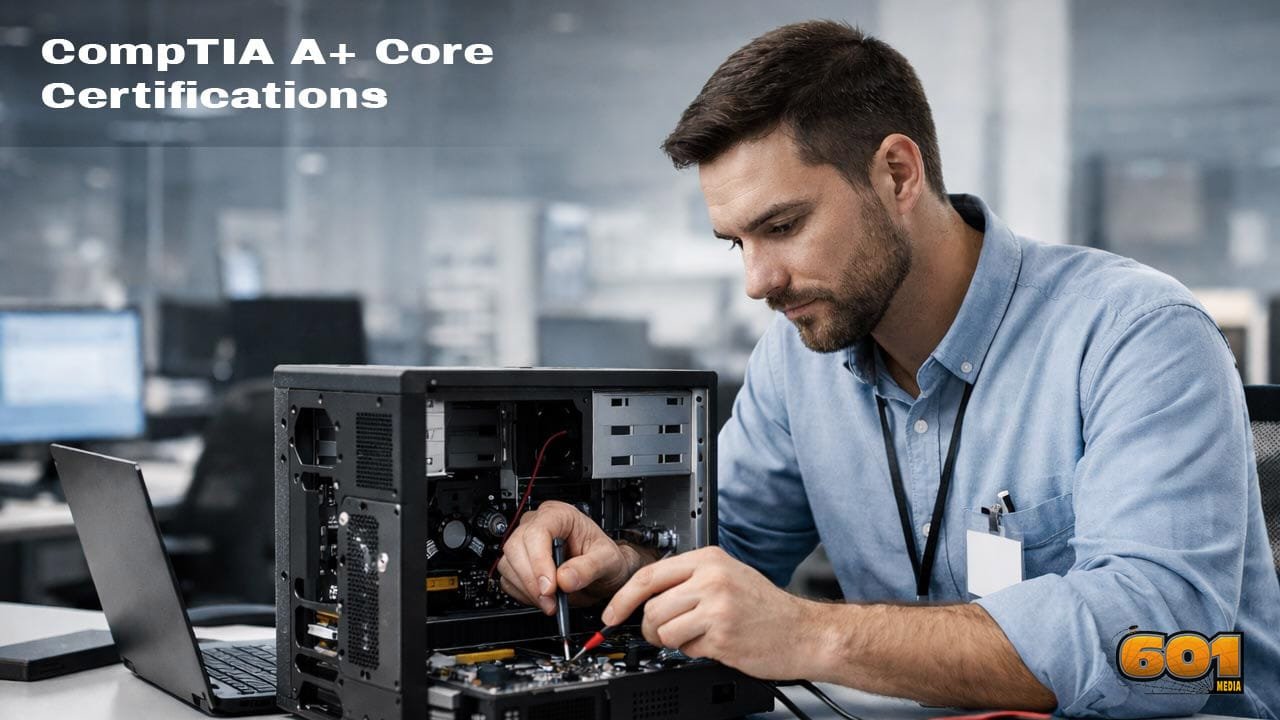
CompTIA A+ is earned by passing two exams—Core 1 and Core 2—which together reflect how modern support work actually happens: you deal with hardware and connectivity, but you also manage operating systems, security, and professional procedures.
CompTIA A+ Core Certifications are globally recognized, vendor-neutral credentials that validate the practical skills needed to support, troubleshoot, and maintain today’s endpoint-focused IT environments. They’re commonly treated as the “first serious” IT certification because they confirm you can handle real support tasks: diagnosing hardware and software issues, configuring operating systems, securing devices, and applying structured troubleshooting and documentation practices.
Table of Contents
- Overview of CompTIA A+ Core Certifications
- History and Evolution of CompTIA A+
- Certification Structure and Exam Format
- Core 1 (220-1101) Explained
- Core 2 (220-1102) Explained
- Key Skills Validated by CompTIA A+
- Career Opportunities and Job Roles
- Industry Recognition and Employer Value
- Certification Renewal and Continuing Education
- Top 5 Frequently Asked Questions
- Final Thoughts
- Resources
Overview of CompTIA A+ Core Certifications
CompTIA A+ is designed to validate foundational, job-ready IT support skills. It’s vendor-neutral, which means the certification is not tied to a single manufacturer or platform. Instead, it covers concepts and practices that apply across common enterprise environments: Windows support, basic Linux/macOS awareness, device and peripheral support, networking basics, endpoint security, and standard IT operational procedures.
In practical terms, CompTIA A+ signals that you can take a ticket, reproduce the issue, isolate the cause, fix it safely, document what you did, and communicate clearly with the user.
Why CompTIA A+ Matters
IT support is often the “front door” of technology operations. When endpoints fail, work stops. A+ focuses on the kinds of problems that cause real operational friction: devices that won’t boot, unstable systems, failed updates, broken connectivity, malware symptoms, printing failures, and user configuration issues.
Because A+ is widely recognized, it can also reduce hiring risk for employers. It gives them a standardized baseline that helps sort candidates—especially for entry-level roles where experience may be limited.
The Vendor-Neutral Advantage
Vendor-neutral training helps you learn underlying concepts rather than memorizing a single product interface. That matters in support roles because tools vary by company. One workplace may use Microsoft 365 and Intune, another may use a different endpoint suite, and a third may be hybrid. A+ is structured to be transferable.
Who CompTIA A+ Is For
CompTIA A+ is commonly pursued by career changers, students, early-career support staff, and anyone who wants a structured credential that proves baseline competence. It’s also used by some employers as part of onboarding or role progression, especially in managed service providers and internal IT departments.
History and Evolution of CompTIA A+
CompTIA A+ has been refreshed repeatedly to reflect how IT support has changed. The core idea stayed the same—validating support-ready fundamentals—but the definition of “fundamentals” expanded as workplaces adopted mobile, cloud services, stronger security controls, and remote support workflows.
How the Certification Has Changed
Early support work centered on desktop PCs and basic LAN environments. Modern support includes laptops, mobile devices, remote users, cloud-connected identity systems, virtualization concepts, and endpoint security expectations. Today, even entry-level technicians are expected to understand security hygiene, access control basics, and how to work within policy constraints.
How Often CompTIA Updates A+
CompTIA typically updates A+ on a regular cycle to keep objectives aligned with what employers want. This update approach is part of why employers continue to treat it as relevant: the blueprint is designed to match current support realities rather than old-school PC repair only.
Certification Structure and Exam Format
CompTIA A+ requires passing two exams: Core 1 and Core 2. The split reflects how support work naturally divides: one side is devices, connectivity, and core hardware operations; the other is operating systems, security, and professional procedures.
Two-Exam Requirement
You must pass both exams to earn the certification. Core 1 alone does not grant A+ status, and Core 2 alone does not grant A+ status. Together they form the full competency signal.
Question Types and Performance-Based Items
A+ exams combine knowledge questions with scenario-driven performance-based items. Performance-based questions are designed to simulate practical tasks: identifying the best fix, choosing the right troubleshooting step, or applying a policy-safe approach to a security or configuration issue.
Scoring, Time Limits, and Testing Policies
Each exam has a time limit and a maximum number of questions. The exam experience is designed to reward both understanding and decision-making speed, reflecting real support work where you balance thoroughness and efficiency.
Core 1 (220-1101) Explained
Core 1 focuses on the technical building blocks of endpoints: hardware, peripherals, connectivity, mobile devices, and the fundamentals of virtualization and cloud concepts that technicians encounter in modern environments.
Hardware and Peripherals
You’ll be expected to understand components like CPUs, RAM, storage types, motherboards, power supplies, and common peripheral devices. Practical support work includes diagnosing bad storage, replacing RAM, addressing overheating, and identifying when a system issue is caused by hardware rather than software.
You’ll also cover basic printer support, which is still a major portion of real-world ticket volume in many organizations.
Networking Fundamentals
Networking topics focus on what a support technician needs to solve common connectivity problems. This includes IP addressing basics, Wi-Fi standards, routers and switches at a high level, DNS and DHCP concepts, and safe troubleshooting steps.
The goal is not to make you a network engineer; it’s to ensure you can restore user connectivity, isolate whether the problem is local vs network-wide, and escalate with useful diagnostic information.
Mobile Devices
Support organizations manage laptops, tablets, and phones at scale. Core 1 includes mobile hardware and connectivity considerations, device configuration, and the kinds of issues that show up with mobility: battery health, wireless instability, device sync problems, and secure access for remote users.
Virtualization and Cloud Concepts
Even entry-level technicians now interact with cloud-backed identity, SaaS tools, and virtualized environments. Core 1 introduces basic terms and mental models: what virtualization is, what a VM is, and how cloud service models relate to what end users experience.
Core 2 (220-1102) Explained
Core 2 covers operating systems, security fundamentals, software troubleshooting, and the professional procedures that make support work reliable and auditable.
Operating Systems and Administration
You’ll work through OS installation and configuration concepts, including management tools, command-line basics, system settings, permissions, and common troubleshooting patterns. While Windows typically receives the most attention due to its prevalence in enterprise environments, modern A+ also recognizes that technicians may encounter macOS, Linux, and mobile operating systems.
Security Fundamentals
Security is no longer optional at the support level. Core 2 includes endpoint security practices, malware awareness, authentication concepts, secure configuration approaches, and how to follow organizational policies.
In the real world, technicians regularly make security-impacting decisions: password resets, user access changes, device cleanup, and applying updates. A+ aims to ensure those actions are performed safely and consistently.
Software Troubleshooting
Software issues often look like “the computer is broken” to users, but support staff must translate symptoms into causes. This section focuses on diagnosing application failures, OS errors, driver problems, update issues, and system instability.
The emphasis is on structured troubleshooting and selecting the next best step, not random guessing.
Operational Procedures
Operational procedures cover how support work should be done in a professional environment: documentation, change management awareness, escalation rules, data handling, safety, and communication standards.
These skills matter because support is not just technical; it’s operational. A good fix that isn’t documented, isn’t policy-compliant, or breaks a change process can create bigger issues than the original problem.
Key Skills Validated by CompTIA A+
CompTIA A+ validates a blend of technical ability and professional behavior. That combination is why it maps well to real entry-level roles.
Structured Troubleshooting
A+ rewards a disciplined approach: identify the problem, establish a theory, test the theory, implement a solution, verify full system functionality, and document the outcome. This structured method reduces repeat incidents and improves escalation quality.
Customer Service and Communication
Support work involves people under stress: deadlines, broken devices, locked accounts, and lost access. A+ emphasizes professionalism, clarity, and expectation-setting. That includes asking the right questions, avoiding blame language, and confirming resolution.
Security Mindset for Endpoints
Even if you’re not in a security role, you’re still part of security outcomes. A+ builds baseline awareness: safe handling of credentials, least privilege thinking, malware response basics, and why updates and policies matter.
Tools and Documentation
Tool usage and documentation practices are core to scalable support. A+ emphasizes recording steps, outcomes, and changes in a way that helps future troubleshooting, compliance, and knowledge sharing.
Career Opportunities and Job Roles
A+ commonly maps to entry-level roles that sit at the first or second line of technical support.
Common Job Titles
- Help Desk Technician
- IT Support Specialist
- Desktop Support Technician
- Technical Support Analyst
- Field Service Technician
What the Day-to-Day Looks Like
Day-to-day work often includes resolving tickets, supporting hardware and peripherals, onboarding users, configuring endpoints, troubleshooting connectivity, supporting conferencing tools, and documenting fixes in a ticketing system.
The job also builds “IT instincts”: pattern recognition, escalation judgment, and learning how environments are standardized.
Typical Next Steps After A+
A+ is commonly followed by deeper credentials depending on direction: networking (Network+), security (Security+), cloud fundamentals, or vendor-specific endpoint administration. Many career paths branch from endpoint support into systems administration, networking, cybersecurity, and IT operations.
Industry Recognition and Employer Value
CompTIA A+ is frequently recognized by employers because it represents a consistent, test-verified baseline. For hiring managers, that reduces uncertainty, especially when applicants have limited job experience.
Why Employers Trust A+
A+ indicates that a candidate has studied structured troubleshooting and the fundamentals of endpoint environments. It also signals commitment: earning the certification takes effort, and that matters for entry-level candidates competing for limited slots.
Standards and Accreditation
CompTIA certifications are often referenced in workforce development programs and employer training pathways. This broader ecosystem support strengthens recognition and portability across different sectors.
Certification Renewal and Continuing Education
CompTIA A+ is time-limited, which encourages ongoing learning. That’s important in support work because endpoints, security risks, and operating systems evolve rapidly.
How Long CompTIA A+ Lasts
CompTIA A+ is typically valid for a defined period and then must be renewed, depending on CompTIA’s current continuing education rules for that certification track.
How Renewal Works
Renewal is commonly handled through continuing education activities, approved training, or earning higher-level certifications within the CompTIA ecosystem. The goal is to keep certified professionals aligned with current best practices.
Why Renewal Matters
For employers, renewal signals that you’re not frozen at the moment you passed the exams. For you, it creates a healthy habit: continuing to learn tools, security expectations, and emerging support workflows.
Top 5 Frequently Asked Questions
Final Thoughts
CompTIA A+ Core Certifications are best understood as a practical proof-of-readiness for entry-level IT support. They validate the skills that keep modern workplaces functioning: endpoint troubleshooting, OS support, baseline security, connectivity fundamentals, and professional operational procedures. If you’re aiming to break into IT—or formalize the skills you’ve already developed—A+ provides a structured roadmap and an employer-recognized signal that you can step into support work and deliver consistent results.
Resources